

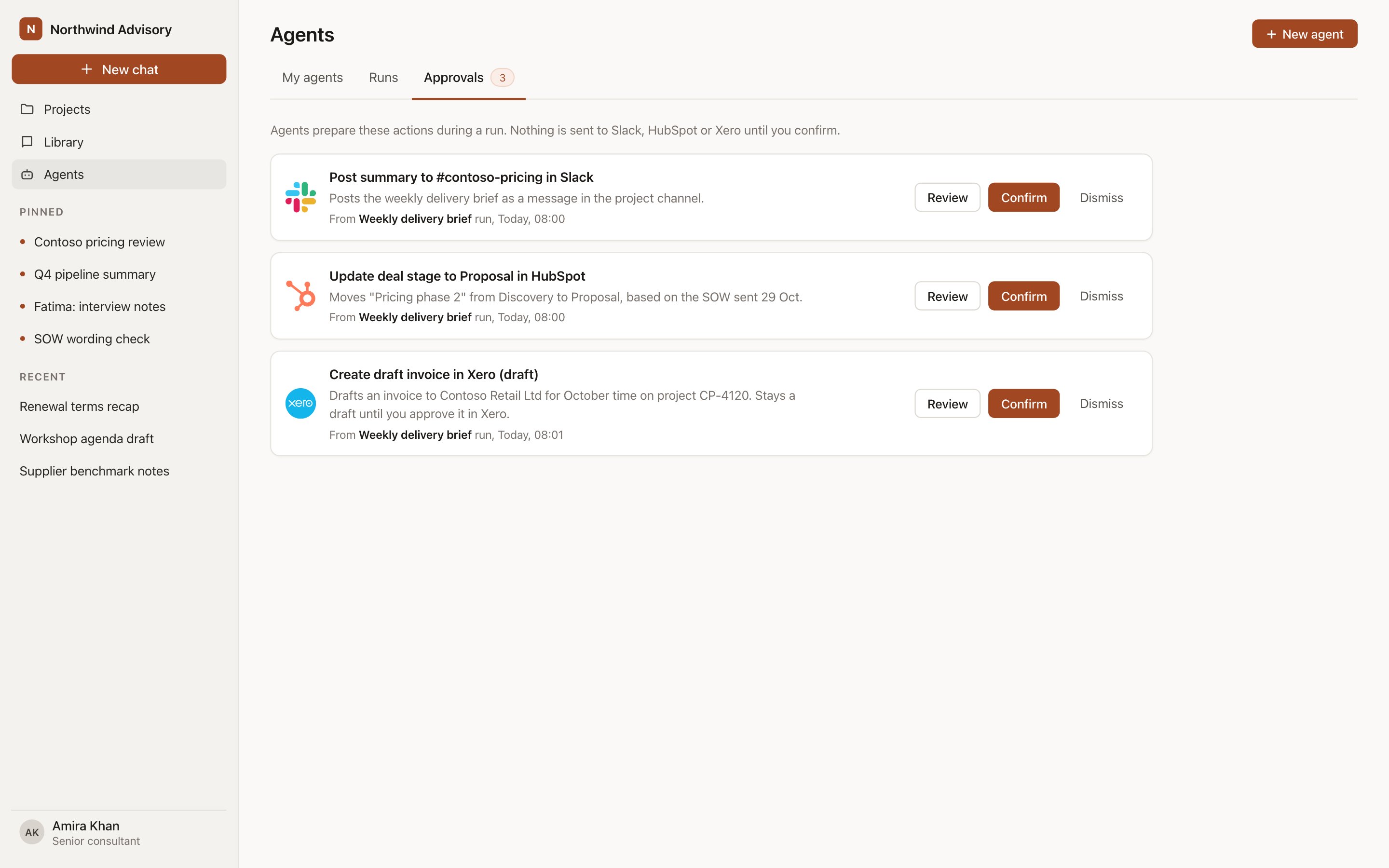
Agents → Approvals: each proposed write is a card with every field editable before you confirm.
What enters the queue
A write enters the queue when all three of these are true:- The agent’s Allowed actions for that integration is set to Propose writes.
- The organisation’s Access setting for the integration is Read and write.
- The run produced a change, such as logging time, creating a task, updating a deal stage, adding a note, posting to a channel or creating a draft invoice.
Review a card
Open Agents and select Approvals. Each card shows:- The system’s logo and the action, for example Create draft invoice in Xero.
- The target record, defaulting to the project’s linked record where one exists.
- Every field the write will set, all editable.
- The agent and run that proposed it, with a link to the run’s sources.
Who can confirm
The write uses the confirming person’s own account where they have a personal connection, so the other system shows them as the author. Where the organisation connection is the only option, the write uses the integration user and the log records who confirmed it. Someone who cannot open the target record in the other system cannot confirm a write to it.
Notifications
When a run queues one or more writes, its owner gets an in-app notification linking to the cards. The An approval is waiting event is listed under Connections in Settings → Notifications, and run events are listed under Agents. See Notifications.Expiry
A card is in the queue for 14 days. After that it expires, moves out of the active list, and shows as Expired in the card history. An expired write is never sent. To redo it, run the agent again.Logs
Every confirmed write is recorded in Admin → Logs → Integrations: who confirmed it, which agent proposed it, the system, the record and the time. Dismissed and expired cards are visible in the card history on Approvals.Next steps
Agents
Set allowed actions per integration.
Permissions and access
How access settings limit writes.