

At a glance
Before you start
You need:- A work or school Microsoft account that can open the workspaces you want to use, with a Power BI Pro or Premium Per User licence unless the workspace is in a Premium or Fabric capacity.
- Build permission, or a workspace role of Contributor or higher, on each semantic model you want Hebno to query.
- The Semantic Model Execute Queries REST API tenant setting turned on by a Fabric administrator under Admin portal → Tenant settings → Integration settings. Without it, Hebno can list reports and dashboards but cannot query their data.
- An allowed integration. An owner or admin sets Power BI to Allow under Admin → Connectors → Catalogue.
https://analysis.windows.net/powerbi/api. User.Read, email, openid and offline_access come with every Microsoft integration.
Hebno requests no
ReadWrite permission for Power BI. Entra lists the resource as Power BI Service. A directory administrator can approve these permissions once for everyone. See the Microsoft Entra admin guide.
Connect Power BI
1
Open connections
Open Settings → Connections and find Power BI under Analytics. You can also type
/ in chat and choose Power BI.2
Grant access
Select Grant access if your Microsoft account is connected, or Connect if it is not. Sign in to Microsoft and approve the Power BI permissions.
3
Check the connection
The row shows Connected as with your email address and the number of workspaces you can open.
What Hebno reads
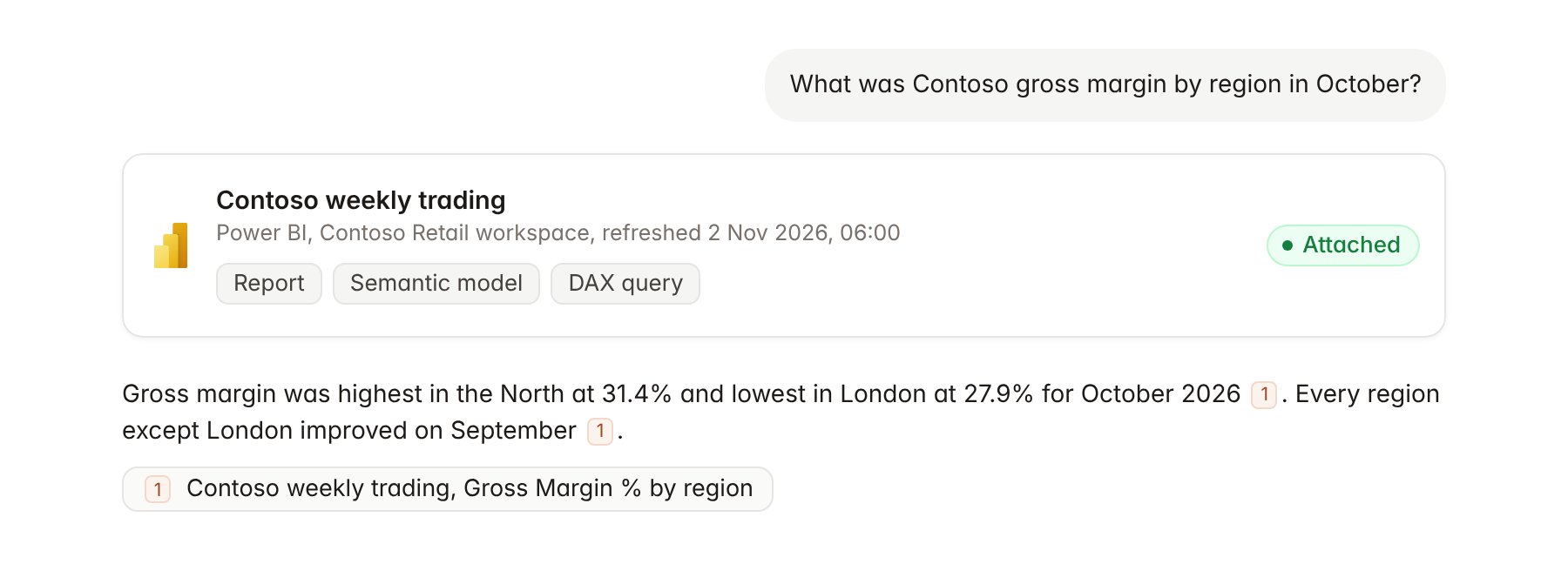
A Power BI report attached to a chat.
What Hebno writes
Hebno does not write to Power BI. It does not edit reports, change semantic models, trigger refreshes, change sharing or create workspaces. To reuse a figure, ask Hebno to add it to a deliverable, such as a deck or a spreadsheet.Link a project to a report
Linking marks which Power BI reports or semantic models belong to an engagement, so you can ask “how did sales move last week?” without naming the model.- Open the project and select Brain.
- Under Linked records, select Link record, then Power BI.
- Search by report or semantic model name, or paste a Power BI link, and select it.
Use Power BI in chat
-
Attach: open the + menu, choose Sources → Power BI, and pick a workspace, then a report, dashboard or semantic model. Or type
/and choose Power BI. -
Ask: name the report, model or measure in your request. For example:
From the Contoso trading model, compare like-for-like sales by region for October and September 2026.
Which 10 stores had the largest drop in average basket value last month? Show the DAX you used.
Build a chart for the steering committee deck from the margin figures in the pricing dashboard.
- Research runs show a Querying Power BI step, with a chip for each report, model or query Hebno used.
- Agents can query Power BI on a schedule, for example a Monday brief on weekly trading for Contoso.