

At a glance
Before you start
You need:- An owner or admin role in Hebno.
- A ZoomInfo contract with API access, and the entitlements for the data you want, such as intent or technographics.
- An API user and credentials for that user. A ZoomInfo admin creates them in the ZoomInfo Admin Portal under Integrations → API, which issues a client ID and a private key for PKI authentication.
Connect ZoomInfo
1
Allow the integration
Open Admin → Connectors → Catalogue, find ZoomInfo under Company and market data, and set it to Allow.
2
Connect the organisation
Select Connect, enter the API user’s username, client ID and private key, then select Test connection. Hebno checks that it can authenticate and lists the endpoints your contract includes.
3
Choose teams and data areas
Under Who can use it, choose All teams or pick teams. Under Data areas, choose what members can see. See Data areas.
4
Set a usage limit
Enter a Monthly record limit for Hebno, or leave it blank to use the limit on your ZoomInfo account. Access is Read only.
Data areas
Data areas control what members of the allowed teams can see through the organisation connection. They apply on top of what your ZoomInfo contract includes.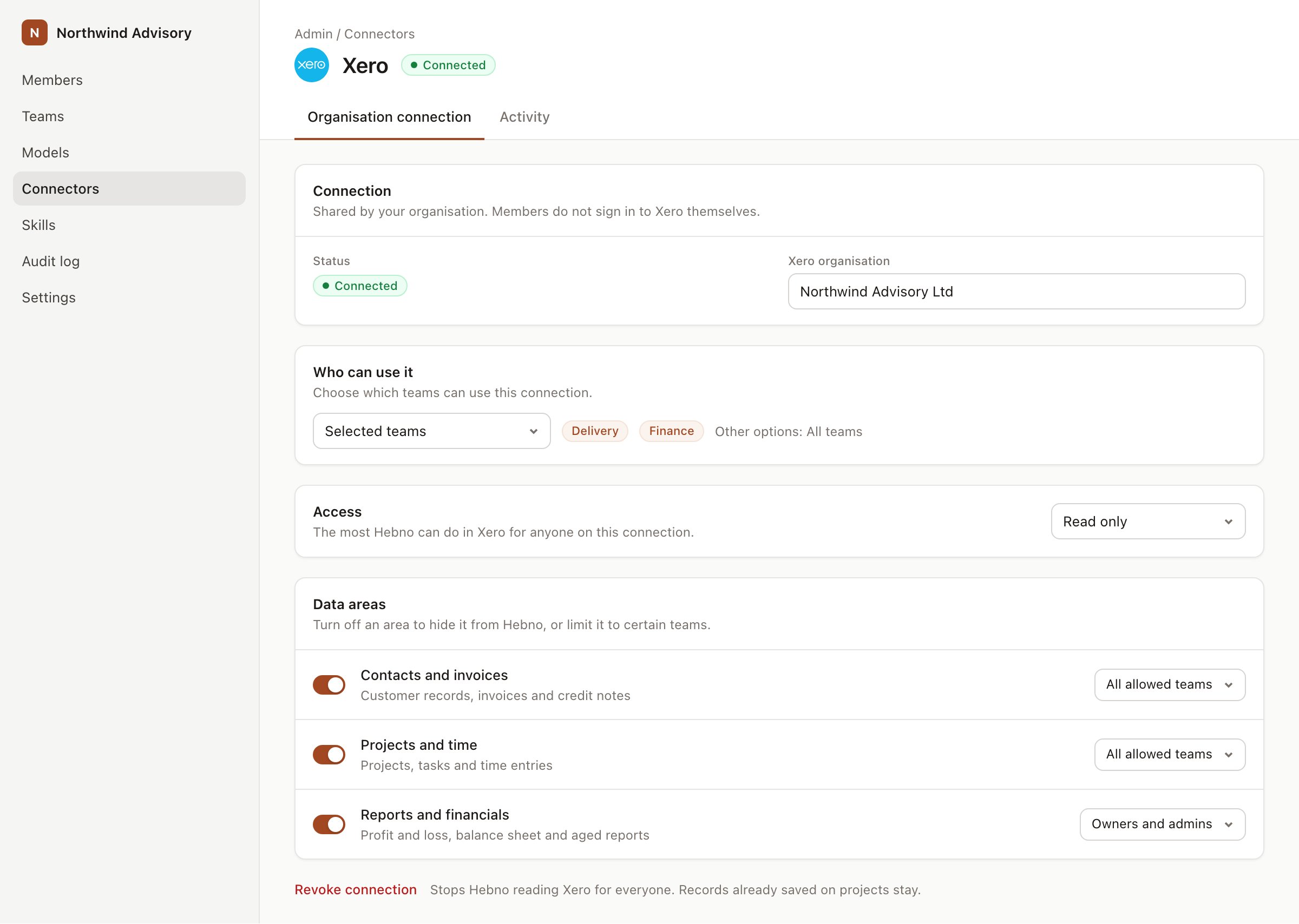
An organisation connection with team access and data areas. Financial figures default to owners and admins.
What Hebno reads
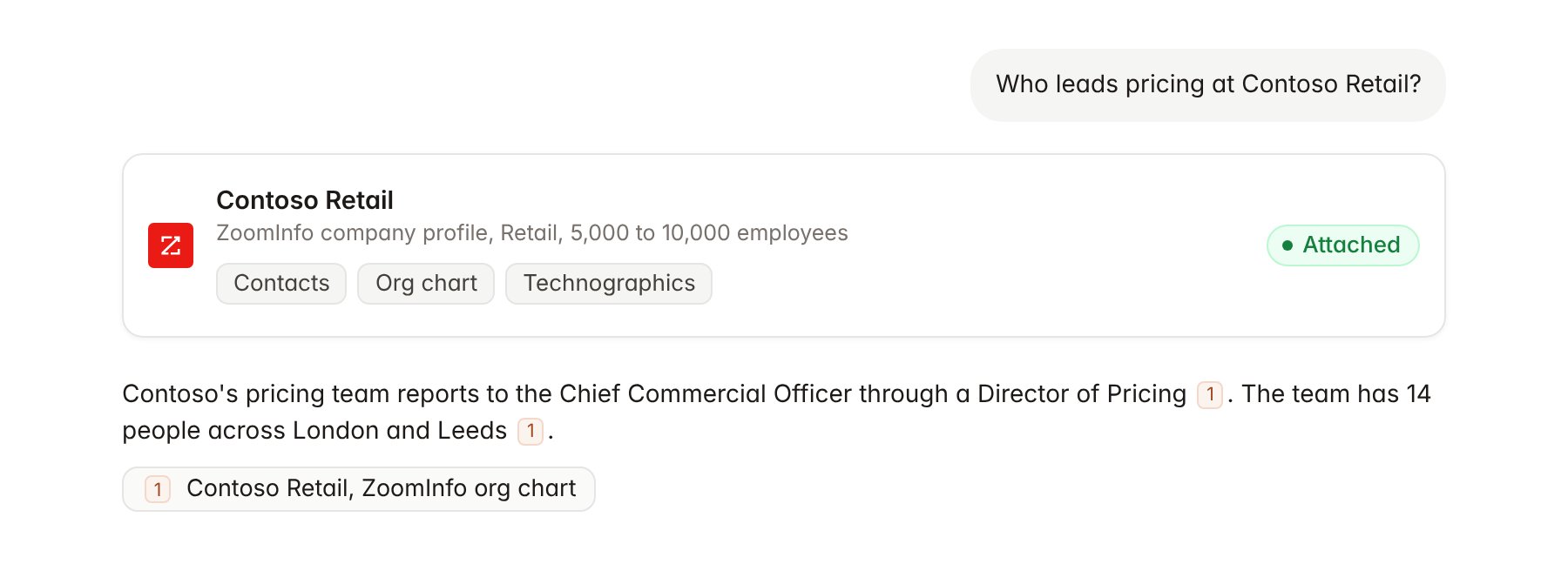
A ZoomInfo company profile attached to a chat.
What Hebno writes
Hebno does not write to ZoomInfo. It does not export contacts, create lists, change intent topics or push records to a CRM from ZoomInfo. To save a contact to your CRM, ask Hebno to create it through a CRM integration such as HubSpot, and confirm the card.Link a project to a company
Linking marks which ZoomInfo company belongs to a project, so you can ask “who are the decision makers?” without naming the client.- Open the project and select Brain.
- Under Linked records, select Link record, then ZoomInfo.
- Search by company name or website and select the company.
Use ZoomInfo in chat
-
Attach: open the + menu, choose Sources → ZoomInfo, and pick a company, a contact or an org chart. Or type
/and choose ZoomInfo. -
Ask: name the company, function or topic in your request. For example:
Give me a one-page profile of Contoso Retail for the pricing review kickoff: size, revenue range, leadership and pricing systems.
Map Contoso’s commercial and finance leadership two levels down from the CFO.
Which of our target retailers show intent on pricing optimisation this month?
- Research runs show a Checking ZoomInfo step, with a chip for each company and contact it read.
- Agents can read ZoomInfo on a schedule, for example a Monday digest of news and intent changes at linked clients. Writes an agent proposes elsewhere appear in agent approvals for review.