

At a glance
Before you start
You need:- A Facebook account with a role on the ad accounts you want to read. In a business portfolio, an admin assigns you to the ad account under Business settings → Accounts → Ad accounts, and the View performance permission is enough.
- An allowed integration. An owner or admin sets Meta Ads to Allow under Admin → Connectors → Catalogue.
Hebno never requests
ads_management, so it cannot create or change anything in your ad accounts.
Connect Meta Ads
1
Start the connection
Open Settings → Connections, find Meta Ads under Marketing and advertising and select Connect. You can also select Connect from the prompt in a chat.
2
Sign in with Facebook
Sign in, choose the business portfolios and ad accounts Hebno may read, and select Save.
3
Return to Hebno
The card shows Connected with your name and the number of ad accounts.
What Hebno reads
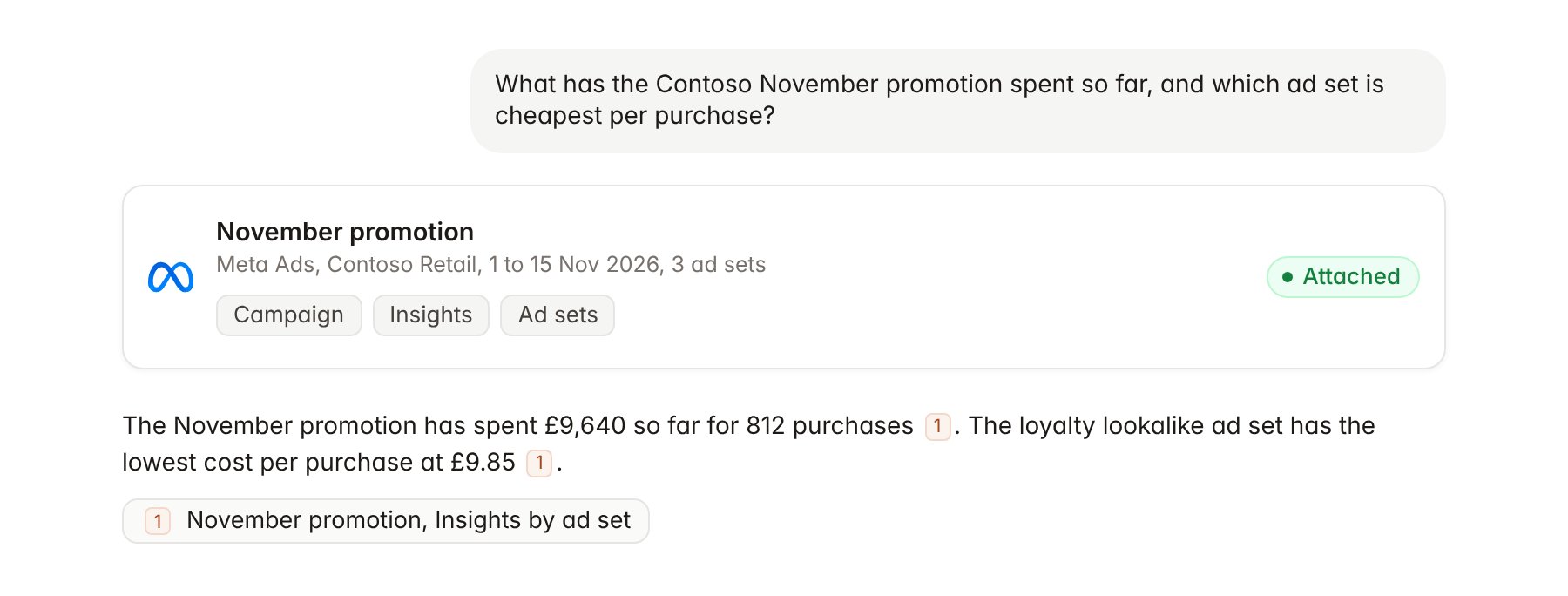
A Meta Ads campaign report attached to a chat.
Hebno reads only
Hebno does not write to Meta Ads. It never creates, edits, pauses or deletes campaigns, ad sets or ads, changes budgets, bids or audiences, or changes ad account roles and payment settings. To act on what Hebno finds, make the change in Ads Manager.Link a project to an ad account
Linking marks which Meta ad account belongs to a client engagement, so you can ask “how are the social ads doing?” without naming the account.- Open the project and select Brain.
- Under Linked records, select Link record, then Meta Ads.
- Search by ad account name or ID and select the account. To narrow the link, select the campaigns that belong to the engagement.
Use Meta Ads in chat
-
Attach: open the + menu, choose Sources → Meta Ads, and pick an ad account, a campaign, an ad set or an ad. Or type
/and choose Meta Ads. -
Ask: name the client, campaign and period in your request. For example:
Summarise the Contoso November promotion so far: spend, reach, purchases and cost per purchase by ad set.
Which placements had the lowest cost per result for Contoso in October, Facebook Feed, Instagram Stories or Reels?
Compare the three own-brand creatives on CTR and cost per purchase, and quote the primary text of each.
- Research runs show a Checking Meta Ads step, with a chip for each ad account and campaign it read.
- Agents can read Meta Ads on a schedule, for example a daily spend check against the campaign budget during a promotion.