

At a glance
Before you start
You need:- An owner or admin role in Hebno.
- A Crunchbase API licence for your firm. The fields Hebno can read depend on what the licence includes.
- The API key for that licence. A Crunchbase user with API access finds it in Crunchbase under Account Settings → Integrations → Crunchbase API.
X-cb-user-key header and uses these Crunchbase API v4 collections:
Connect Crunchbase
1
Allow the integration
Open Admin → Connectors → Catalogue, find Crunchbase under Company and market data, and set it to Allow.
2
Connect the organisation
Select Connect, paste the API key, then select Test connection. Hebno checks the key and lists the collections your licence includes.
3
Choose teams and data areas
Under Who can use it, choose All teams or pick teams. Under Data areas, choose what members can see. See Data areas.
4
Check access
Access is Read only. Select Save.
Data areas
Data areas control what members of the allowed teams can see through the organisation connection. They apply on top of what your Crunchbase licence includes.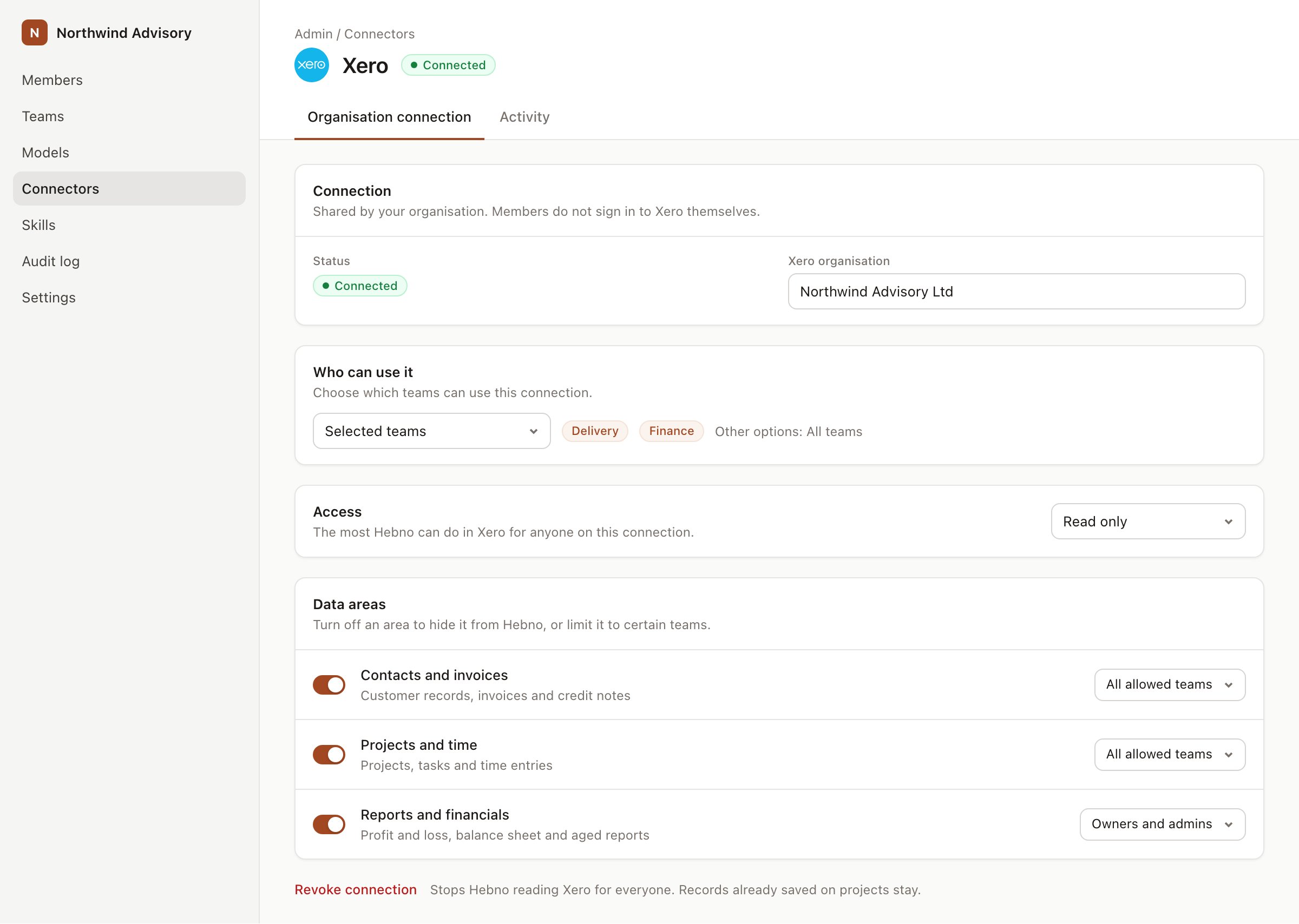
An organisation connection with team access and data areas. Financial figures default to owners and admins.
What Hebno reads
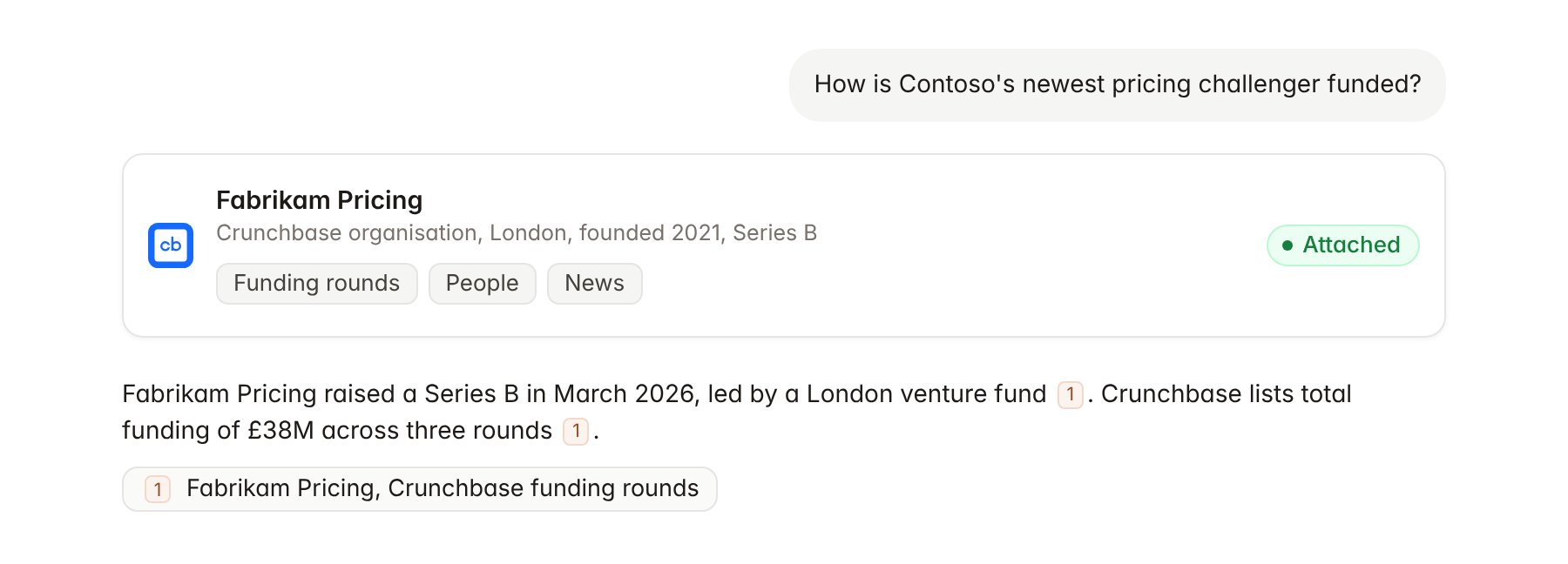
A Crunchbase organisation profile attached to a chat.
What Hebno writes
Hebno does not write to Crunchbase. It does not create or edit profiles, follow organisations, or build lists in Crunchbase. To track a company for an engagement, link it to the project as described below.Link a project to an organisation
Linking marks which Crunchbase organisation belongs to a project, so you can ask “how is the client funded?” without naming it.- Open the project and select Brain.
- Under Linked records, select Link record, then Crunchbase.
- Search by company name or website and select the organisation. Repeat for competitors you track in the engagement.
Use Crunchbase in chat
-
Attach: open the + menu, choose Sources → Crunchbase, and pick an organisation, a person, a funding round or an acquisition. Or type
/and choose Crunchbase. -
Ask: name the company, investor or category in your request. For example:
Build a table of venture-backed retail pricing start-ups in Europe with total funding, last round and lead investor.
Summarise the ownership and funding history of the three challengers named in the Contoso pricing review brief.
Which acquisitions in retail analytics were announced in 2026, and at what price where disclosed?
- Research runs show a Checking Crunchbase step, with a chip for each organisation, round and acquisition it read.
- Agents can read Crunchbase on a schedule, for example a weekly digest of funding and acquisitions among linked competitors. Writes an agent proposes elsewhere appear in agent approvals for review.