

At a glance
Before you start
You need:- A Front teammate account with access to the shared inboxes you want to use. Hebno reads only the inboxes and conversations your Front teammate can open, including your own individual inbox.
- An allowed integration. An owner or admin sets Front to Allow under Admin → Connectors → Catalogue.
- If your Front company restricts app installs, a Front admin approves Hebno under Settings → Company → App store first.
Hebno does not request Send or Delete scopes, so it cannot send a message or delete a conversation.
Connect Front
1
Check the integration is allowed
An owner or admin controls this under Admin → Connectors → Catalogue. If Front shows Blocked, ask an admin to set it to Allow.
2
Start the connection
Open Settings → Connections, find Front under Communication and select Connect. You can also select Connect on the prompt that appears in chat the first time you use Front.
3
Approve access in Front
Sign in to Front, review the permissions and select Authorize. Hebno returns you to the app with a Front connected message.
What Hebno reads
Hebno searches Front live, with your account, using Front’s conversation search. Only the messages and comments a reply used are stored with the conversation as their sources.
Each message and comment in a source links back to the conversation in Front.
What Hebno writes
Every write appears first as a confirmation card. You can change any field before you select Confirm.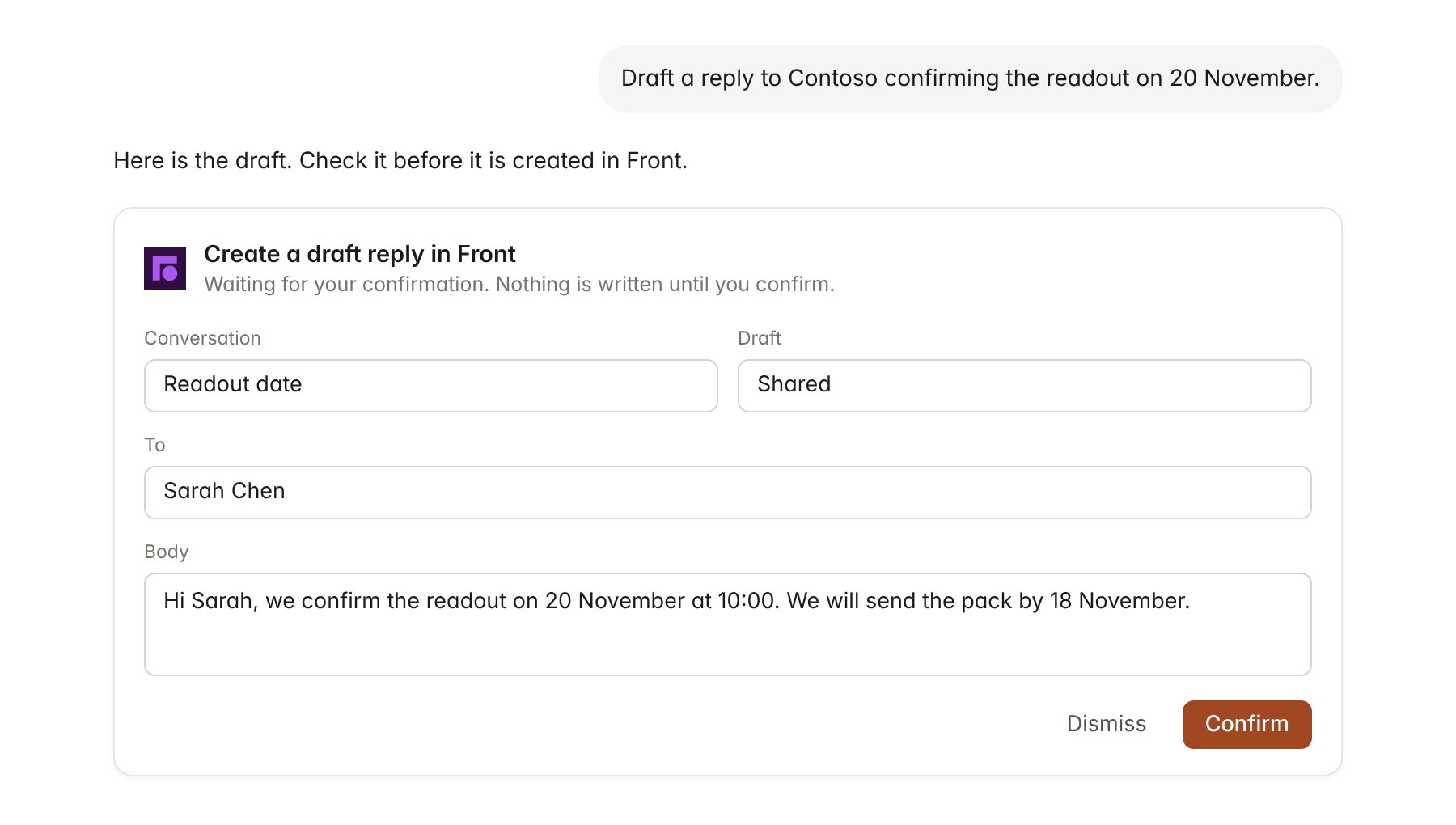
A Front change pending confirmation. Nothing is written until you confirm.
Link a project to a tag
Linking marks which Front conversations belong to an engagement, so you can ask “what has the client asked?” without naming the inbox.- Open the project and select Brain.
- Under Linked records, select Link record, then Front.
- Search for the tag your team applies to the engagement, for example Contoso pricing review, or pick a shared inbox, and select it.
Use Front in chat
-
Attach: open the + menu, choose Sources → Front, and pick a conversation. Or type
/and choose Front. -
Ask: name the client, inbox, tag or teammate in your request. For example:
Summarise every open Contoso conversation in the client services inbox and who each is assigned to.
What has Sarah Chen asked us about the pricing extract since 1 November? Quote her messages.
Add an internal comment on the Contoso readout conversation for Priya with the three open questions from this chat.
- Research runs show a Reviewing Front step, with a chip for each conversation Hebno read.
- Agents can read Front on a schedule, for example a morning list of unanswered client conversations. Writes an agent proposes appear in agent approvals for review.