

At a glance
Before you start
You need:- An owner or admin role in Hebno.
- A Companies House account on the developer hub at
developer.company-information.service.gov.uk. - A live REST API key. In the developer hub, select Your applications → Create an application, choose the Live environment, then open the application and select Create new key with the key type REST.
When you attach a filing, Hebno opens the document through the Companies House Document API, for example the latest full accounts.
Connect Companies House
1
Allow the integration
Open Admin → Connectors → Catalogue, find Companies House under Company and market data, and set it to Allow.
2
Connect the organisation
Select Connect, paste the live REST API key, then select Test connection. Hebno looks up a company profile to check the key.
3
Choose teams and data areas
Under Who can use it, choose All teams or pick teams. Under Data areas, choose what members can see. See Data areas.
4
Check access
Access is Read only. Select Save.
Data areas
Data areas control what members of the allowed teams can see through the organisation connection. The register is public, so every area defaults to all allowed teams.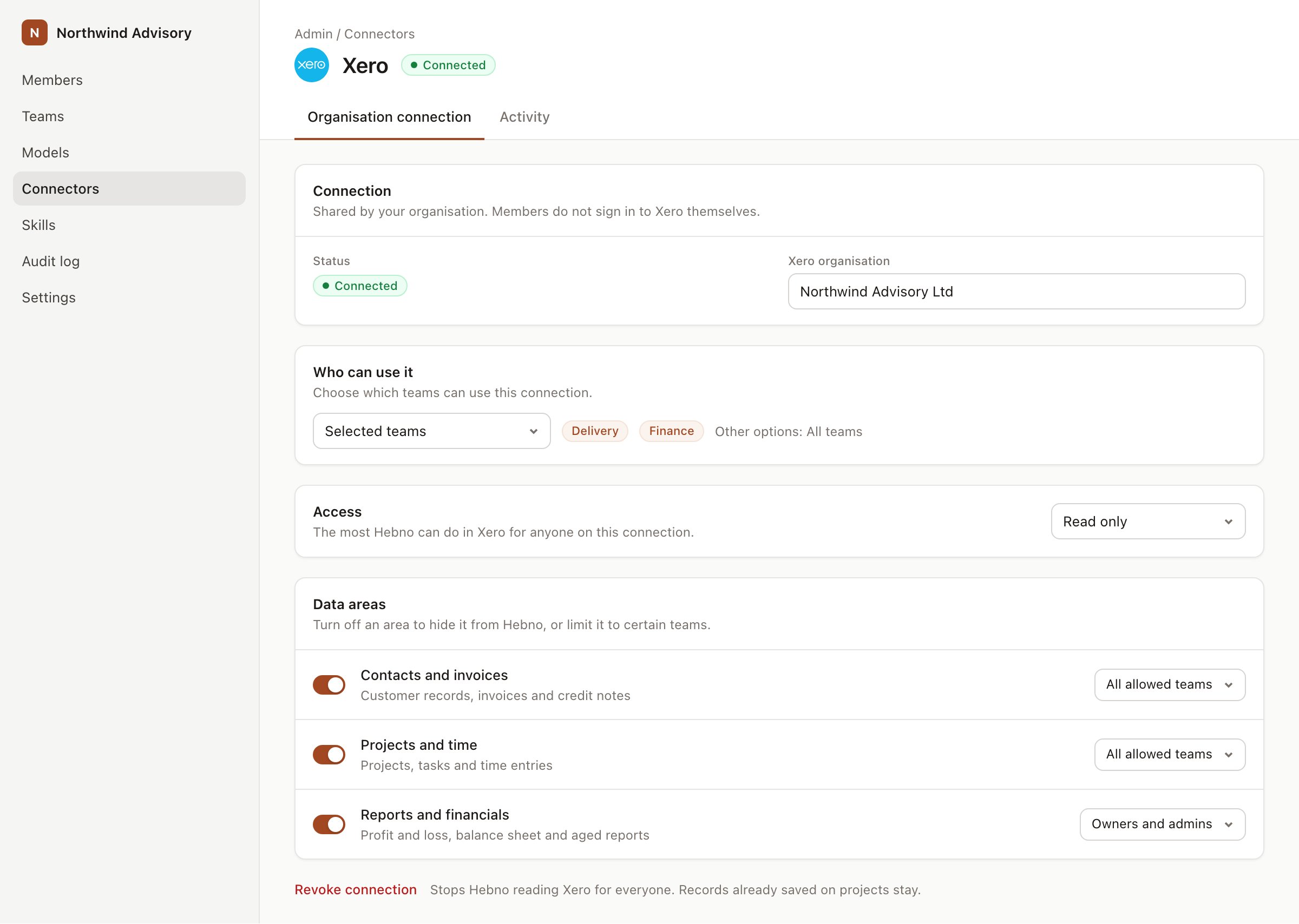
An organisation connection with team access and data areas. Financial figures default to owners and admins.
What Hebno reads
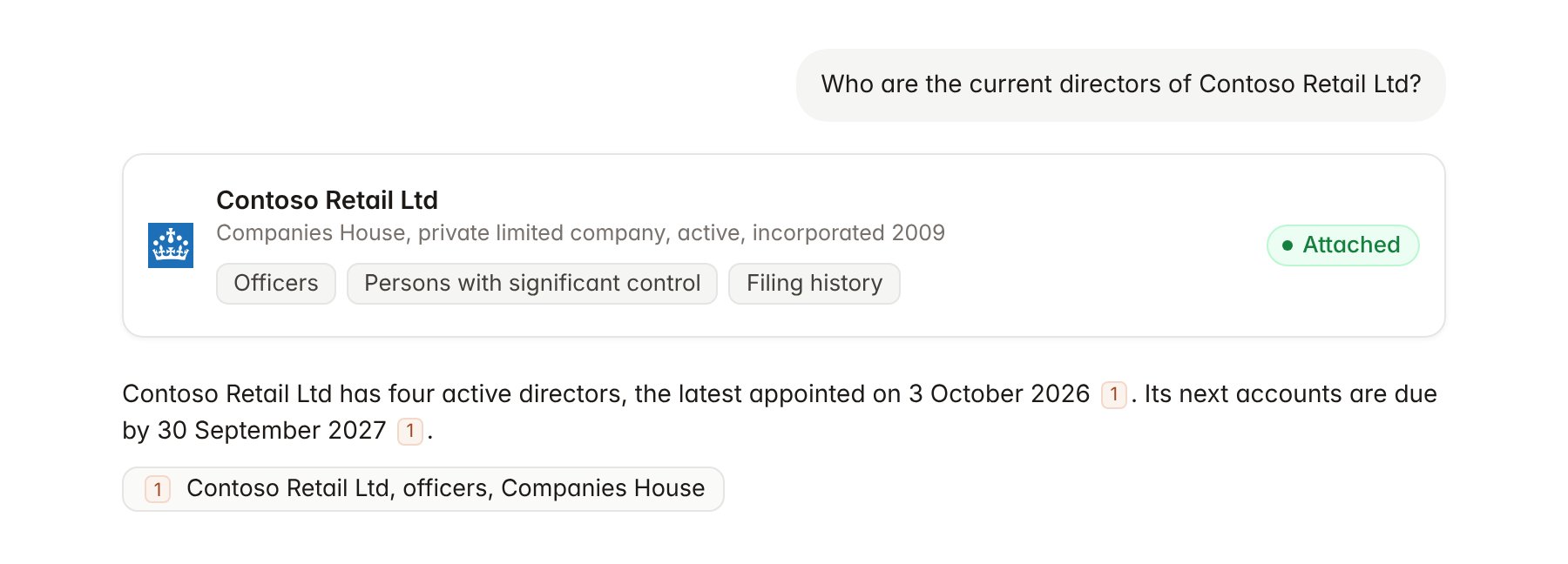
A Companies House company profile attached to a chat.
What Hebno writes
Hebno does not write to Companies House. It does not file documents, change company details or set up following alerts. Filings are made by the company or its agent through Companies House services.Link a project to a company
Linking marks which registered company belongs to a project, so you can ask “who are the directors?” without naming the client.- Open the project and select Brain.
- Under Linked records, select Link record, then Companies House.
- Search by company name or number and select the company. Repeat for subsidiaries or counterparties in the engagement.
Use Companies House in chat
-
Attach: open the + menu, choose Sources → Companies House, and pick a company, its officers, its persons with significant control or a filing. Or type
/and choose Companies House. -
Ask: name the company or its number in your request. For example:
Run a counterparty check on Contoso Retail Ltd: status, directors, controllers, overdue filings and outstanding charges.
Summarise the director changes at Contoso Retail Ltd since January 2025 and list each director’s other appointments.
Pull the revenue and operating profit from Contoso Retail Ltd’s latest filed accounts.
- Research runs show a Checking Companies House step, with a chip for each company, officer list and filing it read.
- Agents can read Companies House on a schedule, for example a weekly check for new filings and director changes at linked companies. Writes an agent proposes elsewhere appear in agent approvals for review.